
Same Performance. A Fraction of the Price.
See how ON900A compares to the leading Mac SSD upgrade brand.
| OSCOO ON900A | Leading Brand | |
|---|---|---|
| 1TB Price | $159.99 SAVE 54% | $349.99 |
| 2TB Price | $219.99 SAVE 60% | $549.99 |
| Read Speed | Up to 3,500 MB/s | Up to 3,200 MB/s |
| Write Speed | Up to 3,000 MB/s | Up to 3,200 MB/s |
| Interface | NVMe PCIe Gen3.0×4 | NVMe PCIe Gen3.1×4 |
| NAND Type | 3D TLC | 3D TLC |
| TRIM / S.M.A.R.T. | ✓ Supported | ✓ Supported |
| Install Tools | ✓ Included | ✓ Included |
| Warranty | 3 Years | 5 Years |
| Budget Options | ✓ From $69.99 (256GB) | — 1TB minimum |
Compatibility Check
Will the ON900A work with your Mac?
Select your Mac type and year to find out instantly.


Installation Guide
Install the ON900A in Your Mac
Follow the steps below. The guide adapts to your specific Mac model.
Specifications
Model
ON900A
Product Dimensions
89 × 24 × 2.3mm (3.5" × 0.9" × 0.09")
Form Factor
M.2 2280
Interface Protocol
NVMe PCIe Gen3.0×4
Sequential Speed
Up to 3500MB/s read, Up to 3000MB/s write
Function Support
TRIM, NCQ and S.M.A.R.T
Support System
Mac OS 10.13 or later
Operation Temperature
0~70°C
Storage Temperature
-40°C to 85°C
Color
Black
Product net weight
6.09g
Capacities
256GB, 512GB, 1TB, 2TB
Material
3D TLC NAND
Warranty
3 years
Endurance
256GB - 162TBW
512GB - 325TBW1TB - 650TBW
2TB - 1300TBW
*Actual speeds may vary slightly by production batch. Please refer to the product received for final specifications.


5-10 Business Days

30-Day Return Policy

Secure Payment

3 Years Warranty
Frequently Asked Questions
This resource is crafted to help you find information easily and efficiently.
Can the ON900A be installed in my Mac?
The ON900A is specifically designed for Mac systems from 2013-2017, including MacBook Air (A1465, A1466), MacBook Pro Retina (A1502, A1398), Mac Mini (A1347), iMac (A1418, A1419), and Mac Pro (A1481). You must have macOS High Sierra 10.13 or later installed. Check your Mac model and year against the compatibility chart before purchase, as newer Macs may use different connectors.
Will my Mac's performance improve significantly after upgrading?
Absolutely. If your Mac is using a traditional hard drive or older SSD, the ON900A's 3,500MB/s read speeds will dramatically improve boot times, application launches, and file operations. You'll notice faster startup, quicker photo/video editing, and more responsive multitasking. The PCIe Gen3.0×4 interface maximizes your Mac's existing performance potential.
Will the ON900A overheat in my MacBook?
The ON900A is engineered for Mac's thermal constraints with efficient 3D TLC NAND Flash technology that generates minimal heat. The M.2 2280 form factor fits perfectly within Mac's existing thermal design. However, ensure proper ventilation during intensive tasks like video rendering or large file transfers to maintain optimal performance.
Can I migrate my existing macOS installation to the ON900A?
Yes, you can clone your existing drive to the ON900A using Time Machine backup restoration or disk cloning tools like Carbon Copy Cloner. The process preserves your applications, settings, and files. However, we recommend a clean macOS installation for optimal performance, then restore your data from Time Machine backup.
What is the actual usable capacity of the ON900A?
256GB version: approximately 238GB usable
512GB version: approximately 476GB usable
1TB version: approximately 931GB usable
2TB version: approximately 1.86TB usable
(System formatting and binary conversion consume some space, which is industry standard)
How reliable is the ON900A for professional Mac workflows?
The ON900A features enterprise-grade 3D TLC NAND Flash with TRIM, NCQ and S.M.A.R.T support for professional reliability. It's ideal for Final Cut Pro, Logic Pro, Adobe Creative Suite, and other demanding Mac applications. The consistent performance ensures smooth 4K video editing and large project file handling.
Why doesn't my Mac reach the advertised 3,500MB/s speed?
Achieving maximum speed requires:
①Compatible Mac model with PCIe Gen3.0×4 support
②macOS High Sierra 10.13 or later
③Large sequential file transfers (small files are affected by system overhead)
④Proper installation in the primary M.2 slot
Older Mac models or different PCIe configurations may limit speeds. These are system limitations, not product defects. The included installation tools help ensure proper setup.
You May Also Like


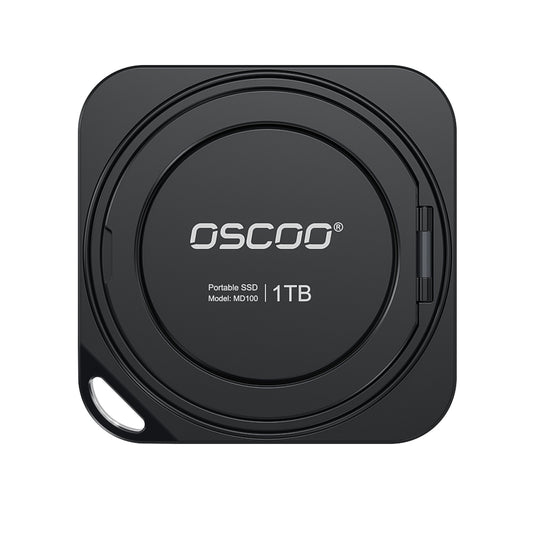
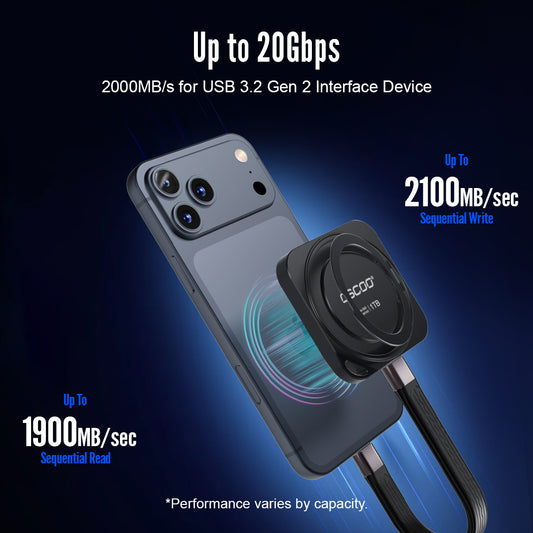
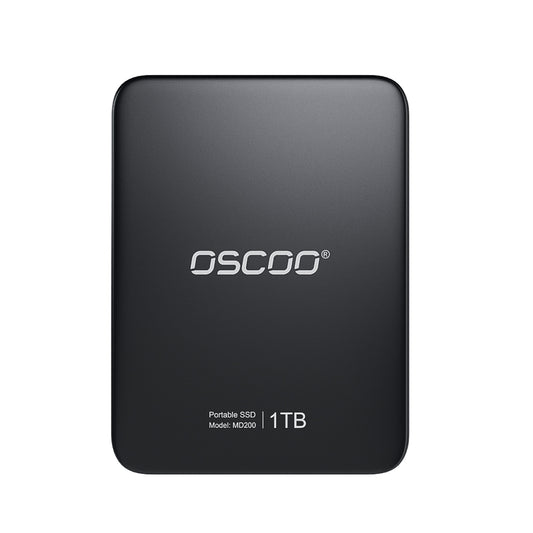
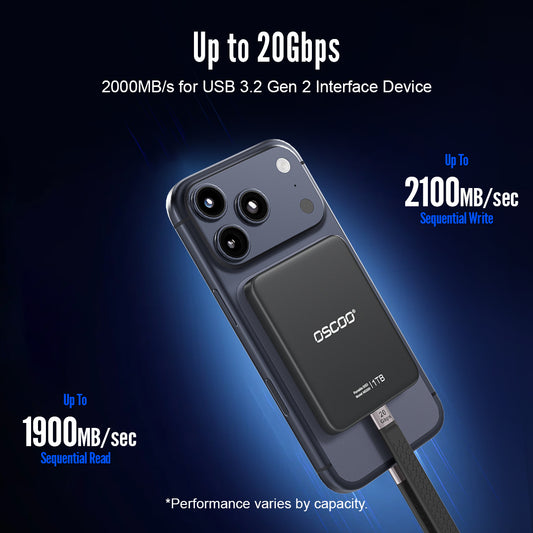
Our SSD collection
Find what is best for you